


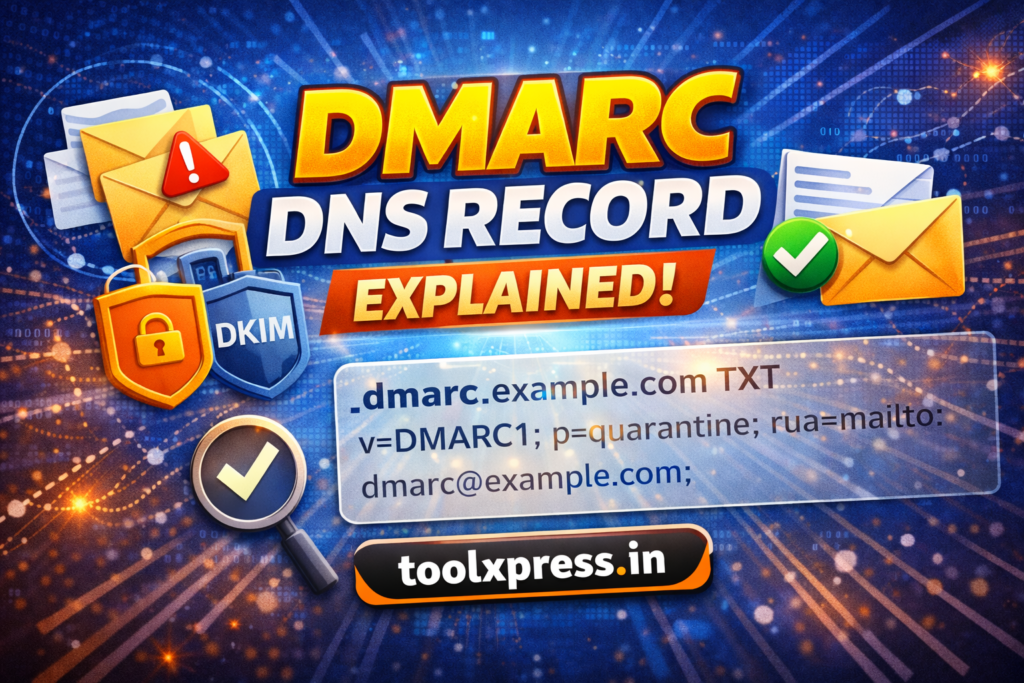
What is a DMARC Record?
DMARC (Domain-based Message Authentication, Reporting & Conformance) is an email authentication protocol that uses SPF and DKIM results to determine how receiving mail servers should handle emails that fail authentication checks.
A DMARC record is published in DNS as a TXT record and defines policies such as whether to monitor, quarantine, or reject unauthenticated emails sent from a domain.
In simple terms, DMARC answers the question: “What should the receiving server do if this email fails SPF or DKIM?”
Why is DMARC Important?
Even with SPF and DKIM configured, attackers can still spoof domains if no enforcement policy exists. DMARC provides control, visibility, and enforcement for domain owners.
Key Reasons to Use DMARC:
- Prevents domain spoofing and phishing
- Protects brand and customer trust
- Improves email deliverability
- Provides detailed authentication reports
- Mandatory for many email providers and security standards
- Aligns SPF and DKIM with the visible “From” domain


How Does a DMARC Record Work?
DMARC works by checking the results of SPF and DKIM and verifying domain alignment.
Email Flow with DMARC:
- An email is received by the destination server
- SPF and DKIM authentication checks are performed
- The “From” domain is compared with SPF/DKIM domains
- The DMARC policy is applied based on the result
- Reports are sent to the domain owner
Principle of DMARC (Working Principle)
DMARC is based on three core principles:
1. Authentication
Relies on SPF and DKIM to verify email legitimacy.
2. Alignment
Ensures the authenticated domain matches the visible “From” address.
3. Policy Enforcement & Reporting
Defines how failed emails are handled and provides feedback.

Example DMARC DNS Record:
_dmarc.example.com TXT
"v=DMARC1; p=reject; rua=mailto:dmarc@toolxpress.in; ruf=mailto:dmarc@toolxpress.in; pct=100"
Explanation:
v=DMARC1→ DMARC versionp=→ Policy (none, quarantine, reject)rua=→ Aggregate report emailruf=→ Forensic report emailpct=→ Percentage of enforcement
DMARC Policy Options Explained
- p=none → Monitoring only (no enforcement)
- p=quarantine → Suspicious emails go to spam
- p=reject → Emails are completely blocked
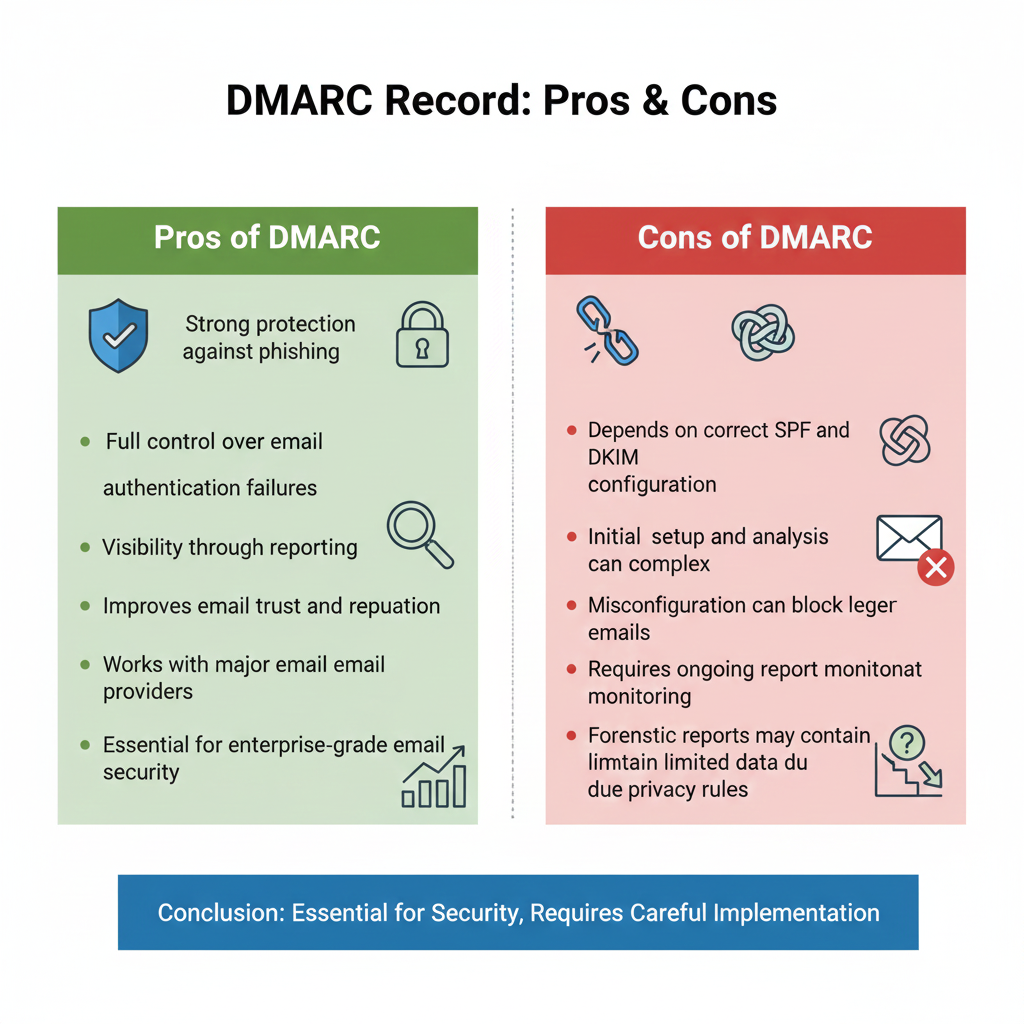
Pros of DMARC Record
- Strong protection against phishing
- Full control over email authentication failures
- Visibility through reporting
- Improves email trust and reputation
- Works with major email providers
- Essential for enterprise-grade email security
Cons of DMARC Record
- Depends on correct SPF and DKIM configuration
- Initial setup and analysis can be complex
- Misconfiguration can block legitimate emails
- Requires ongoing report monitoring
- Forensic reports may contain limited data due to privacy rules
Best Practices for DMARC Implementation
- Start with
p=nonefor monitoring - Analyze DMARC reports regularly
- Fix SPF and DKIM failures before enforcement
- Gradually move to
quarantineand thenreject - Use dedicated mailboxes for DMARC reports
- Combine with SPF + DKIM for full protection
- You can also check the DMARC DNS record status using mxtoolbox