



Windows Server Features and Services Commonly Used in On-Premises and Hybrid IT Environments

Windows Server remains a core platform for enterprise IT infrastructure, powering on-premises data centers and hybrid IT environments integrated with cloud services such as Microsoft Azure. Its rich set of features and services enables organizations to manage identities, networking, security, virtualization, and application hosting efficiently.
What Is Windows Server in an On-Prem and Hybrid Environment?

Windows Server is a server operating system developed by Microsoft, designed to manage network resources, users, applications, and services.
- In on-premises environments, Windows Server runs in local data centers.
- In hybrid environments, it integrates with cloud platforms (mainly Azure) to extend identity, storage, backup, and management capabilities.
Why Windows Server Is Widely Used in Enterprise IT
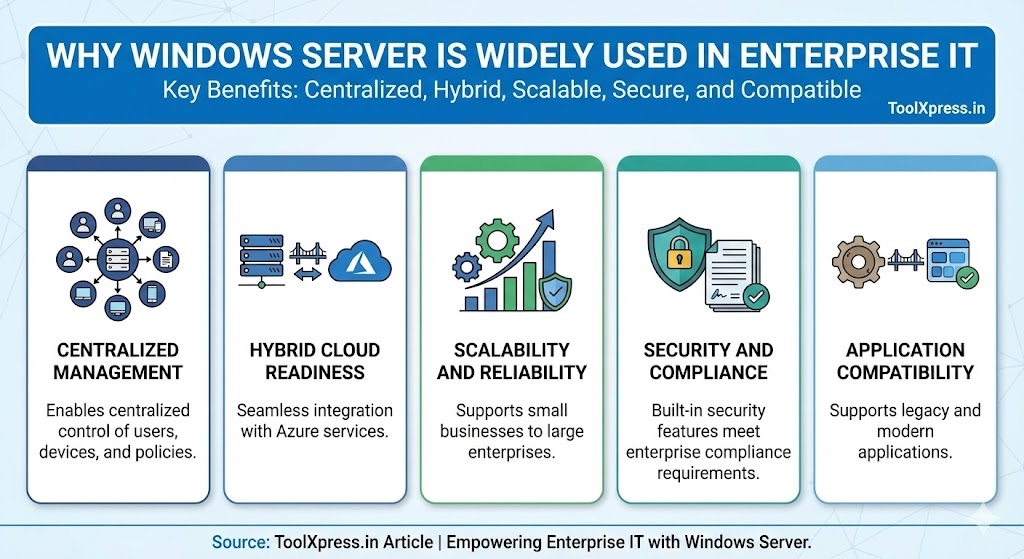
- Centralized Management
Enables centralized control of users, devices, and policies. - Hybrid Cloud Readiness
Seamless integration with Azure services. - Scalability and Reliability
Supports small businesses to large enterprises. - Security and Compliance
Built-in security features meet enterprise compliance requirements. - Application Compatibility
Supports legacy and modern applications.
Core Windows Server Features and Services
1. Active Directory Domain Services (AD DS)
What It Does
Manages user identities, authentication, and authorization.

Common Uses
- User and computer account management
- Centralized login (Single Sign-On)
- Group-based access control
Hybrid Use
Integrated with Azure Active Directory (Azure AD / Entra ID) for hybrid identity.
2. Group Policy (GPO)
What It Does
Applies security and configuration policies across the domain.
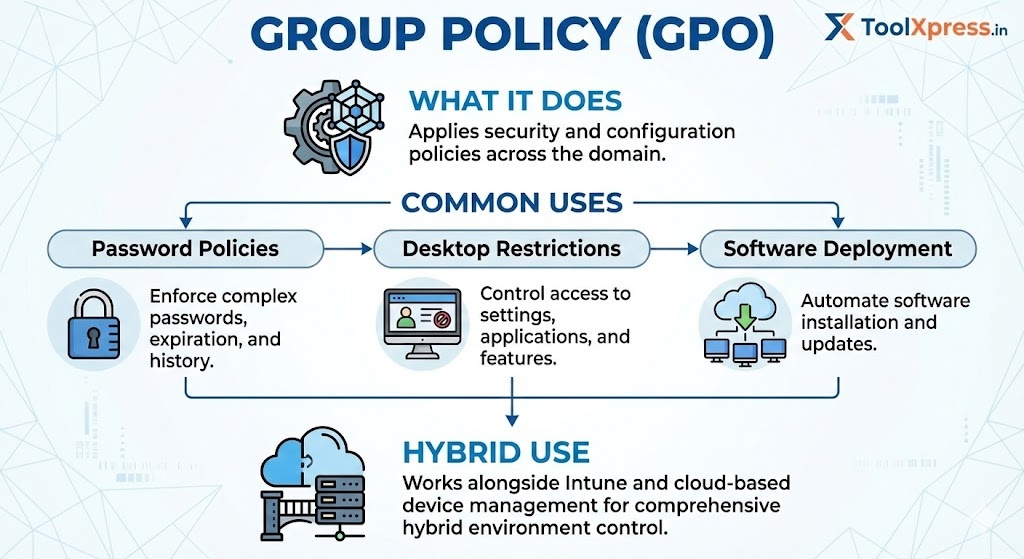
Common Uses
- Password policies
- Desktop restrictions
- Software deployment
Hybrid Use
Works alongside Intune and cloud-based device management.
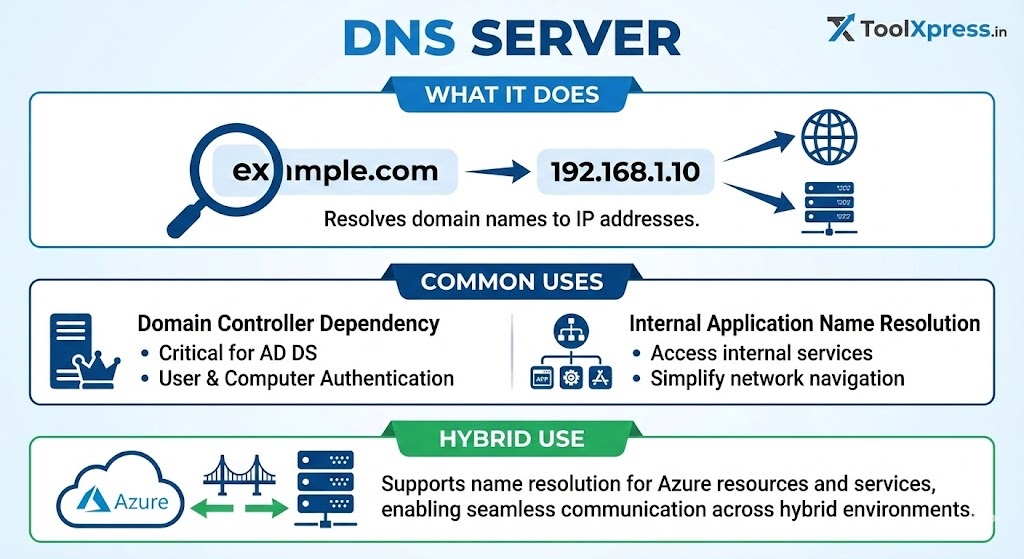
3. DNS Server
What It Does
Resolves domain names to IP addresses.
Common Uses
- Domain controller dependency
- Internal application name resolution
Hybrid Use
Supports name resolution for Azure-hosted workloads.
4. DHCP Server
What It Does
Automatically assigns IP addresses to network devices.

Common Uses
- Reduces manual IP configuration
- Centralized IP management
Hybrid Use
Used with VPNs and site-to-site connectivity.
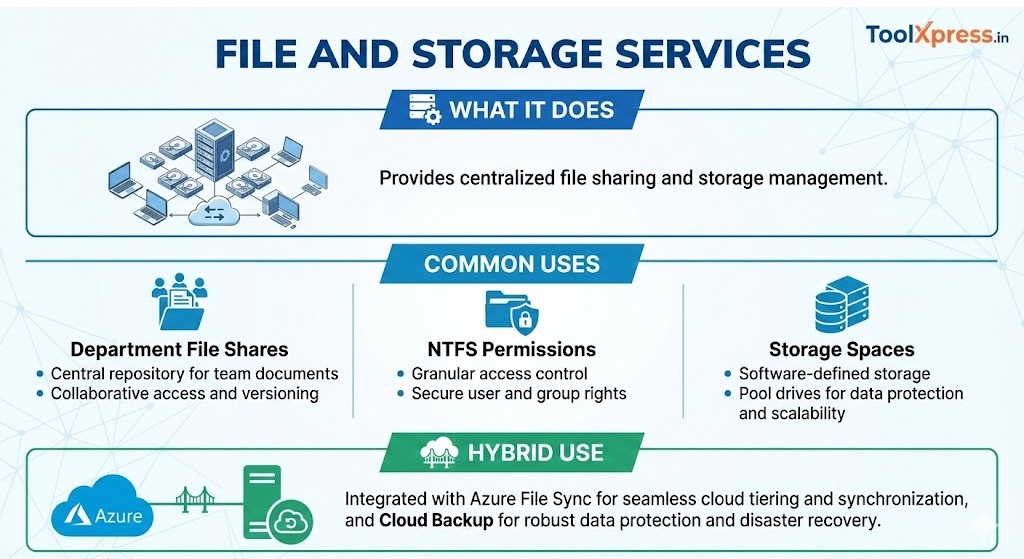
5. File and Storage Services
What It Does
Provides centralized file sharing and storage management.
Common Uses
- Department file shares
- NTFS permissions
- Storage Spaces
Hybrid Use
Integrated with Azure File Sync and cloud backup.
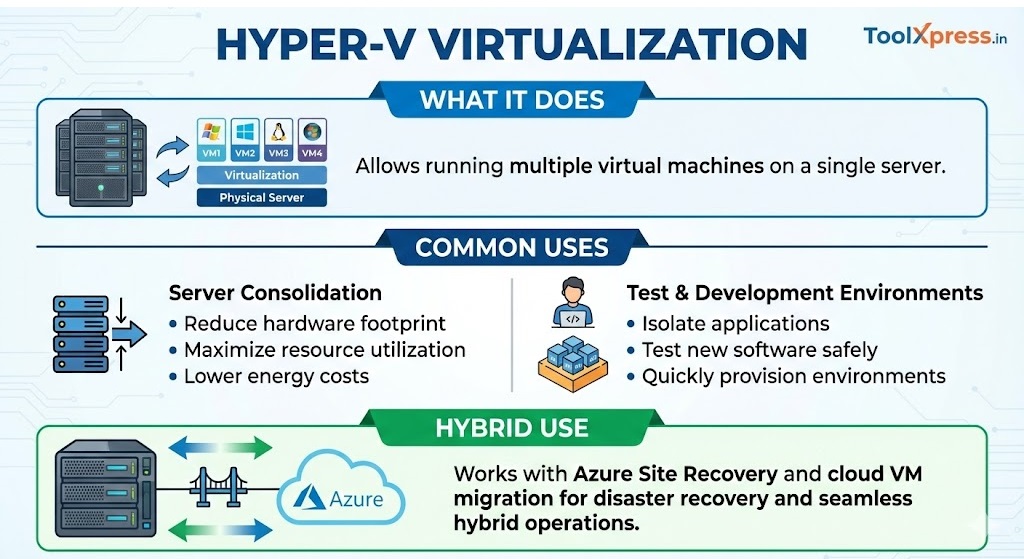
6. Hyper-V Virtualization
What It Does
Allows running multiple virtual machines on a single server.
Common Uses
- Server consolidation
- Test and development environments
Hybrid Use
Works with Azure Site Recovery and cloud VM migration.
7. Windows Server Failover Clustering
What It Does
Ensures high availability for critical workloads.

Common Uses
- SQL Server clustering
- File server failover
Hybrid Use
Disaster recovery with Azure replication.
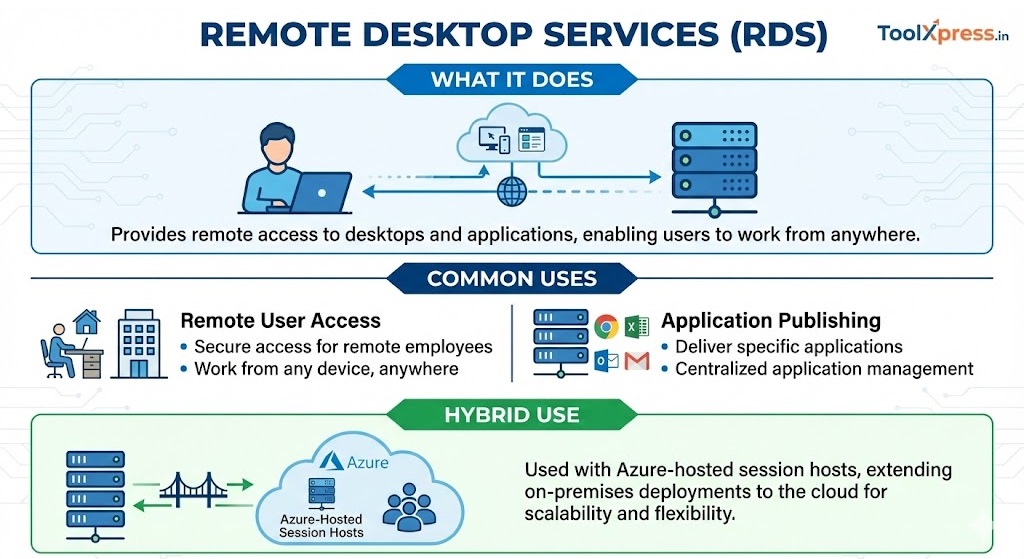
8. Remote Desktop Services (RDS)
What It Does
Provides remote access to desktops and applications.
Common Uses
- Remote user access
- Application publishing
Hybrid Use
Used with Azure-hosted session hosts.
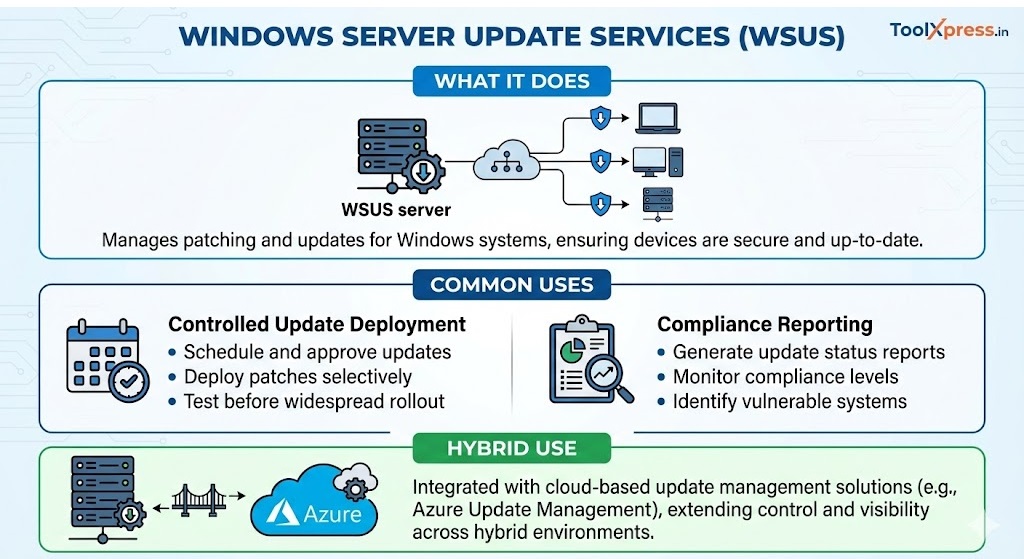
9. Windows Server Update Services (WSUS)
What It Does
Manages patching and updates for Windows systems.
Common Uses
- Controlled update deployment
- Compliance reporting
Hybrid Use
Integrated with cloud-based update management.
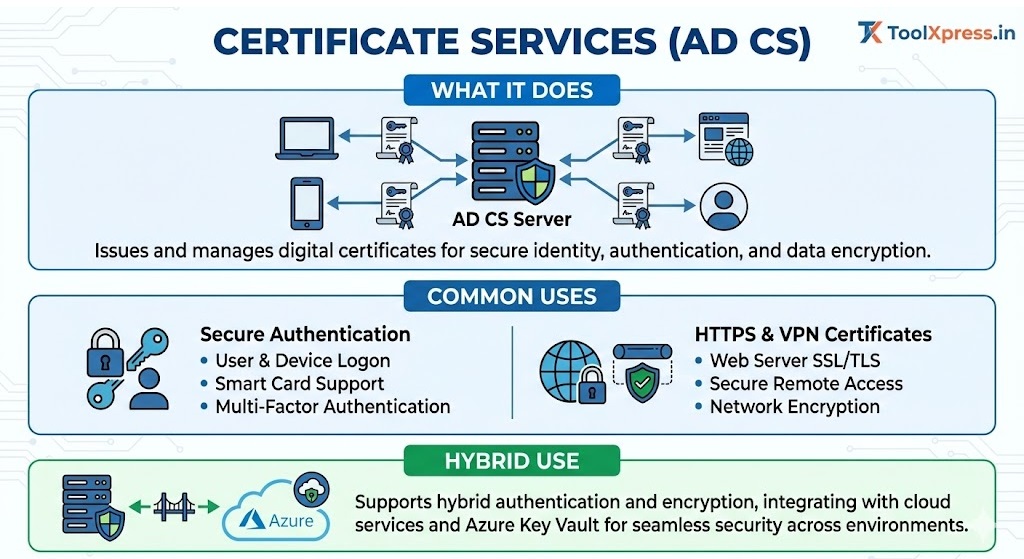
10. Certificate Services (AD CS)
What It Does
Issues and manages digital certificates.
Common Uses
- Secure authentication
- HTTPS and VPN certificates
Hybrid Use
Supports hybrid authentication and encryption.
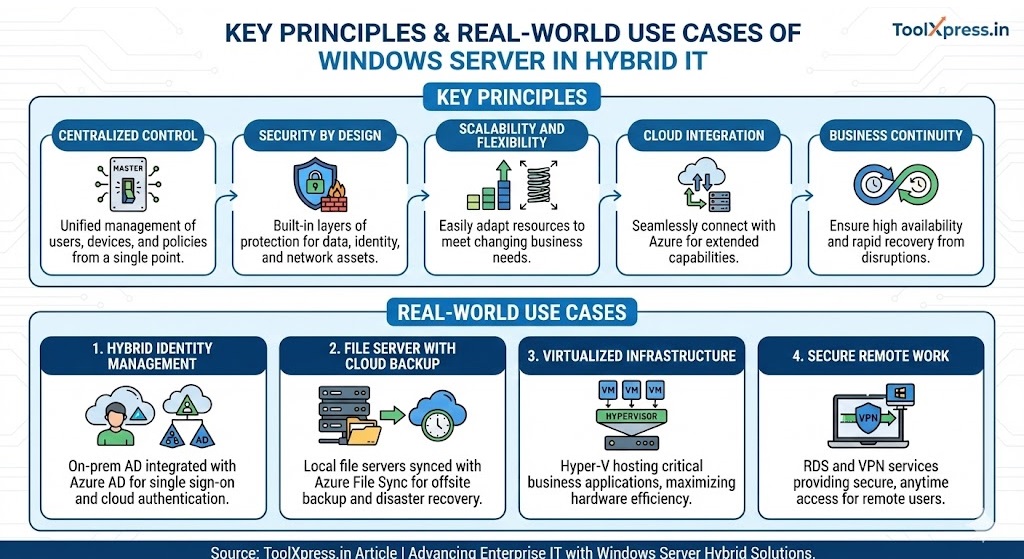
Key Principles of Windows Server in Hybrid IT
- Centralized Control
- Security by Design
- Scalability and Flexibility
- Cloud Integration
- Business Continuity
Real-World Use Cases
1. Hybrid Identity Management
On-prem AD integrated with Azure AD for cloud authentication.
2. File Server with Cloud Backup
Local file servers synced with Azure for disaster recovery.
3. Virtualized Infrastructure
Hyper-V hosting critical business applications.
4. Secure Remote Work
RDS and VPN services for remote users.
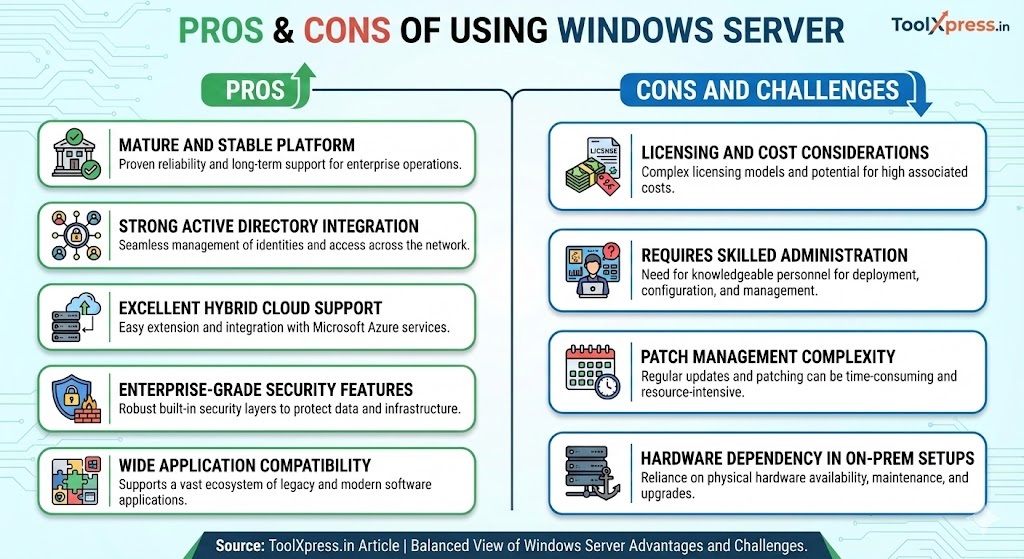
Pros of Using Windows Server
- Mature and stable platform
- Strong Active Directory integration
- Excellent hybrid cloud support
- Enterprise-grade security features
- Wide application compatibility
Cons and Challenges
- Licensing and cost considerations
- Requires skilled administration
- Patch management complexity
- Hardware dependency in on-prem setups
Best Practices
- Regular patching and updates
- Use role-based access control
- Implement backup and disaster recovery
- Monitor system health and performance
- Plan hybrid integration carefully